-
Navigate to https://app.archa.com.au/ and log in using your registered email address or phone number.
-
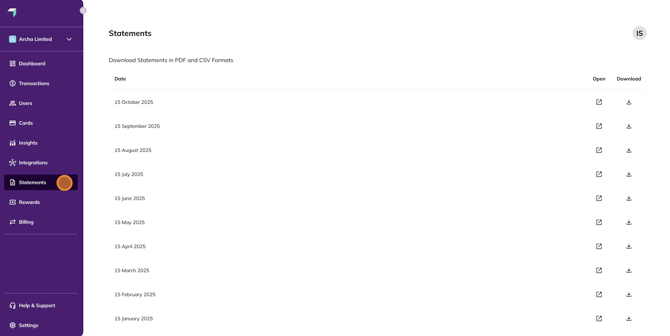
In the left-hand navigation bar, select Statements.
-
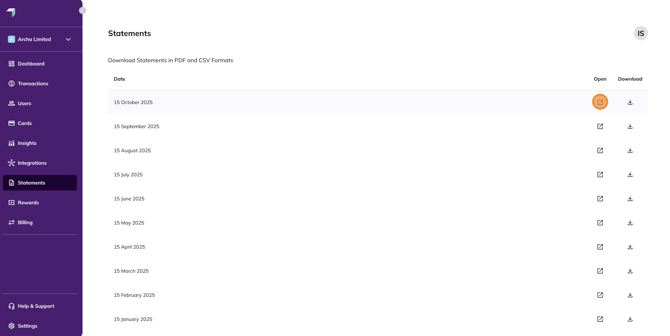
Click the Open button next to the relevant statement to view your statement in PDF format.
-
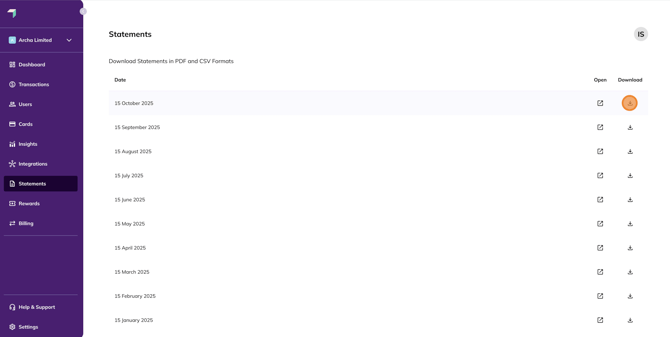
To download your statement as a CSV, click the Download button.