- Navigate to https://app.archa.com.au/login
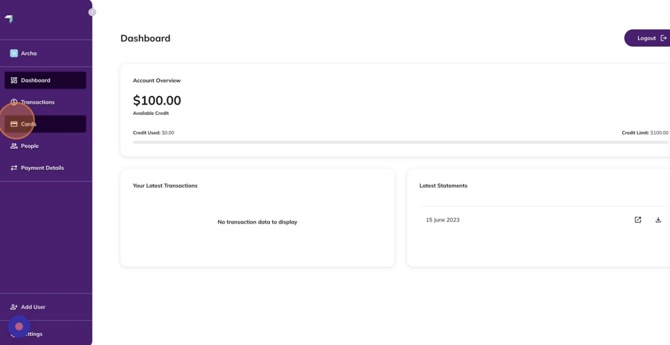
- Click on “Cards”
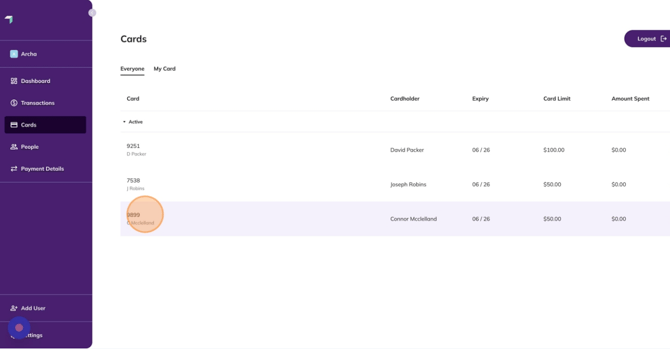
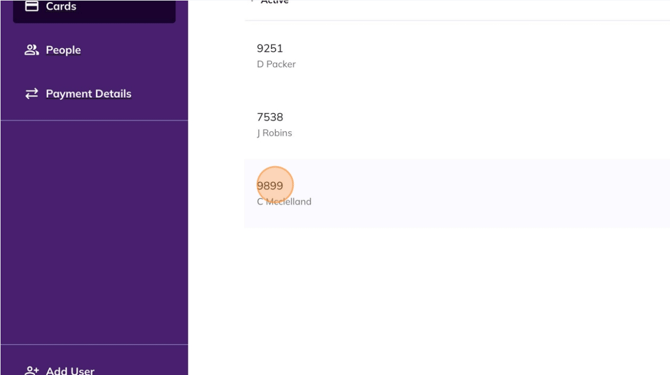
- Select a Cardholder
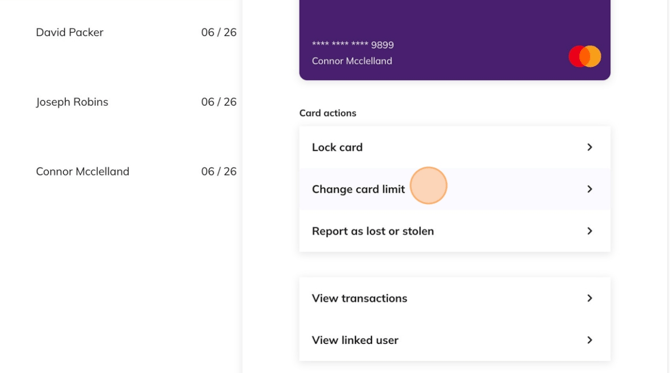
- Click “Change card limit”
- Click the “Enter new limit” field
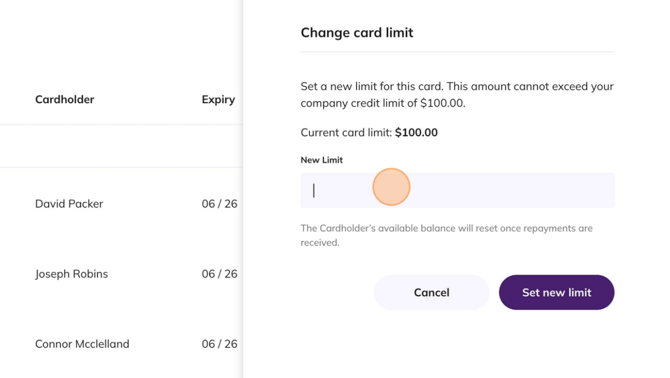
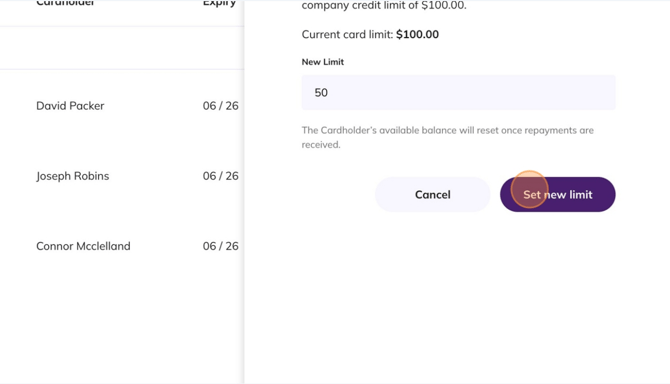
- Enter the desired credit limit for the cardholder and click “Set new limit”
- You can now see the Card Limit has changed for the desired card